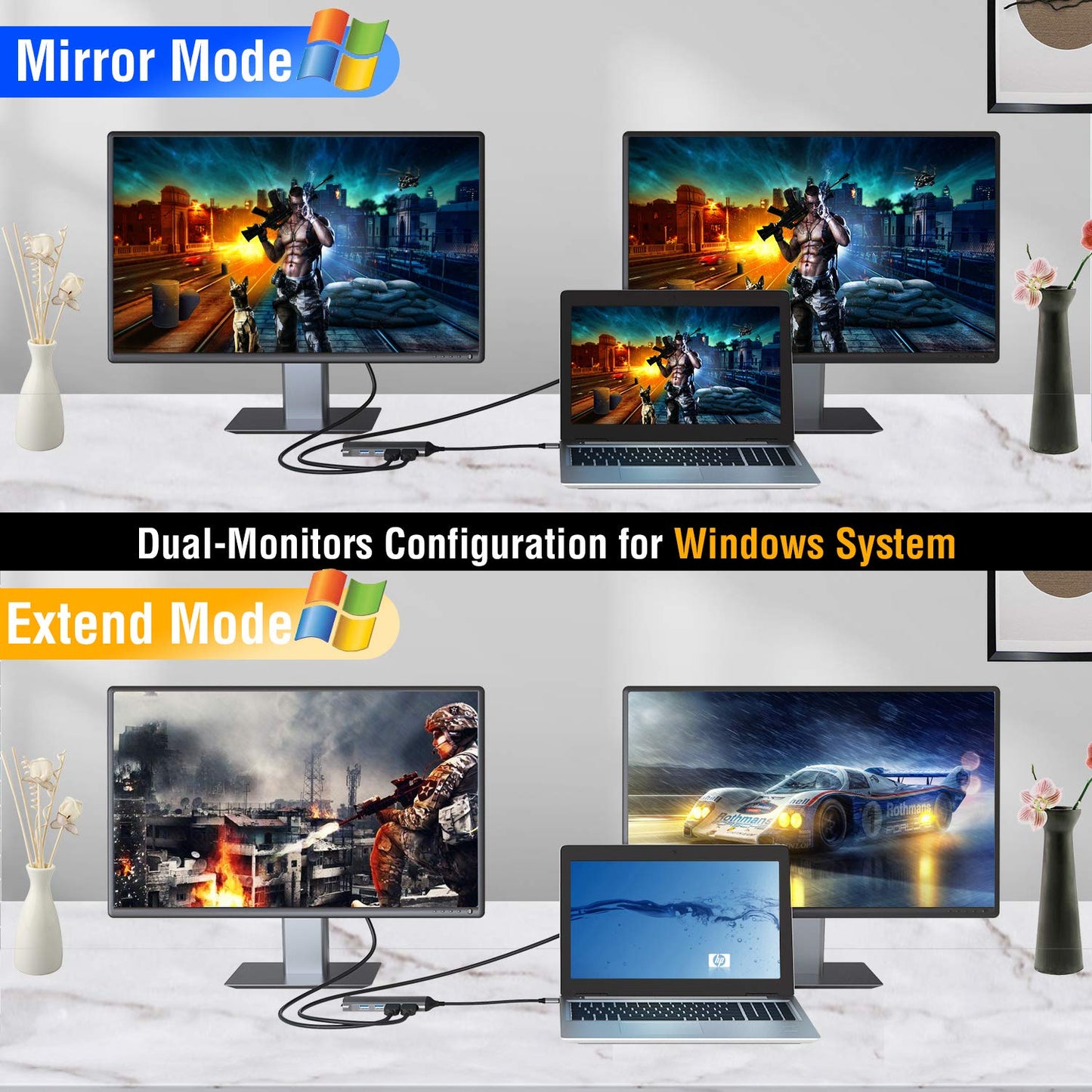
Laptop Docking stations is compatible with specific Thunderbolt 3, or USB Type C Gen2 Windows systems. The USB C ports on the laptops of different brand look the same, but it has several critical differences between Thunderbolt 3, USB-C 3.1 Gen 2, and USB-C 3.1 Gen 1. The difference between the three technologies is bandwidth. Support Dual or Triple DisplayThunderbolt 340Gb/s USB-C 3.1 Gen 210Gb/s USB-C 3.1 Gen 1:(Support Power Delivery) DOES NOT SUPPORT USB C DISPLAY OUTPUTUSB-C 3.1 Gen 15Gb/s (data transfer only) Please ensure the Laptop has thunderbolt 3 / USB-C 3.1 Gen 2 /USB-C 3.1 Gen 1 (Support Power Delivery) to support multiple-display before purchase. USB C Docking Station Compatibility List(Partial)Such as the Microsoft Surface Book 2, Surface Go, Dell XPS 9350 / 9360 / 9370 / 9380 /9550 / 9560, Lenovo Yoga 720 13"& Carbon X1 5th/6th Gen, most 13" HP Spectre x360 models, MSI GS65 /GS75 etc.(Type C Wall adapter required for the Power Delivery) Incompatible with Acer all series, iPad Pro 2018, Apple USB SuperDrive, Surface Book 3, and Nintendo Switch. REMINDER 1. For Apple computer users (MAC OS), Mirror mode display only. 2. Please plug in the Laptop's original power adapter to the USB-C Power Delivery port or its DC-IN port before connecting an external hard drive or multiple display purpose. 3. The Type C PD port for power passing-thru only. 4. SD and the TF slots can be used at the same time. 5. Each monitor will be limited to a max resolution of 1920 x 1080@60Hz when connecting dual or triple monitors. 6. Power will be a community between all dock-connected USB C devices. For a fast charging result, an power adapter over 87W is better one. 7.EDID(Extended Display Identification Data) may blackout for a few seconds(1 minute at max, depends on Laptop and monitor model) when data transfer, Please be patient for the data completed checking..