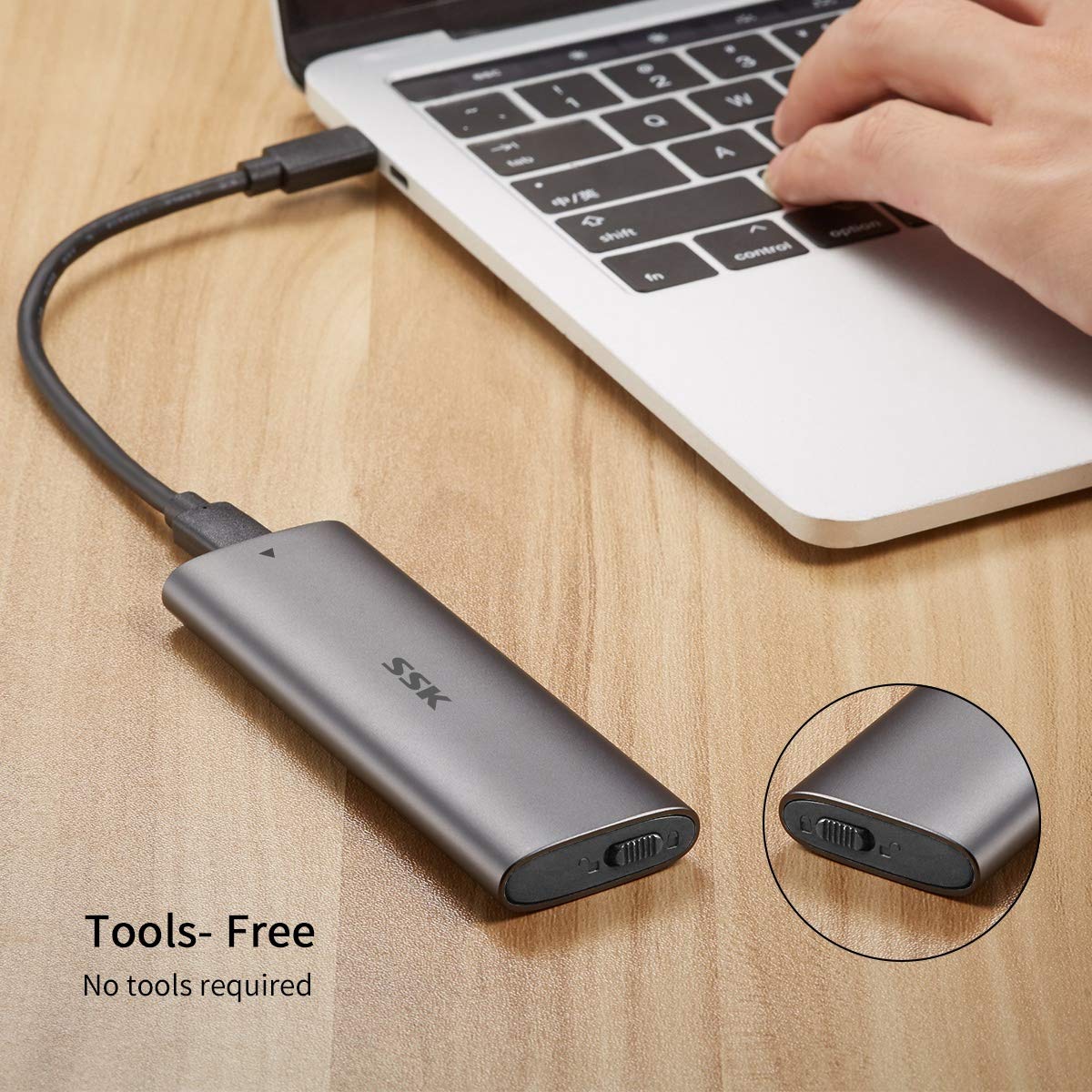
Product Specifications Product nameM.2 NVME PCIe SSD Tool-Free enclosure adapter Interface typeM.2 NVME PCIe to USB 3.1 Transfer Rate Up to 10Gbps Case Size114*38*12mm MaterialAluminum alloy Cable Type Type C to Type-C Cable Length150mm Support SSD Drivers Size242, 2260, 2280mm ColorGrey Features 1. USB 3.1 Type-C extreme fast and high-capacity data transfer solution, Data transfer rate up to 10Gbps for USB 3.1; 2. Supports NVME PCIE-based M.2 SSD; 3. Easy installation & no driver required, No additional power required; 4. Supports Plug & Play and Hot-Swapping; 5. Multi OS Supported, like Windows, Mac OS & Linux etc. Package Included 1 x M.2 NVME PCIe to USB 3.1 Type-C SSD Enclosure 1 x USB 3.1 Type-C to Type-C Cable 1 x Screw Set Please note that it supports NVME PCIE-based SSD only. It does NOT support SATA based SSD. We tested our enclosure with Sumsung 970 EVO NVMe SSD, the actual speed can reach to 1000MB/s on R/W. But to this speed, pls make sure the Laptop TYPE C port is also comply with USB3.1 Gen 2(10Gbps), if USB3.1 Gen 1(5Gbps), then speed will be only half. For the brand new SSD drive, it may not be found, so please format it before the first time using. Pls format it to corresponding type which Windows and Mac supported. Follow step is to find the brand new ssd drive 1. Use your mouse right key to click "Computer", it will show a drop-down menu; 2. Use your mouse left key to click "Computer Managment"; 3. Use your mouse left key to click "Disk Management; 4. After find the brand new ssd drive, please format it, and made partition. Then you can find the drive normally.